AENA — Aeropuertos Españoles y Navegación Aérea

A parking app designed
for two different users at once

UI design of a dual-app system for AENA's airport parking service — one for customers, one for valets — unified by a shared design system and atomic design methodology.

App splash — customer
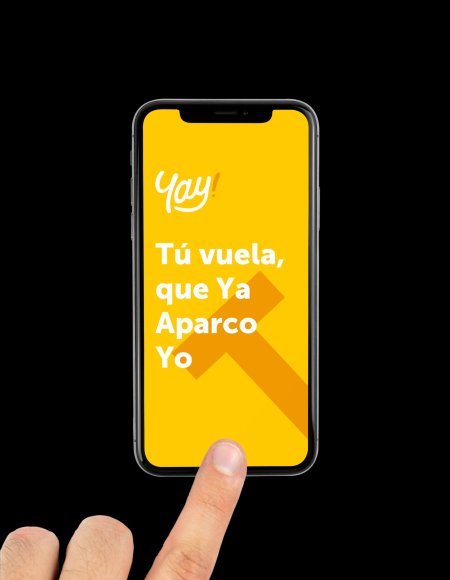
Yay! splash screen — Tú vuela que Ya Aparco Yo

Brand guidelines

Yay! brand guidelines

Role

UI Designer

Client

AENA — Aeropuertos Españoles y Navegación Aérea

Type

Dual mobile app · UI design system

Tools

Sketch · InVision · Zeplin

2
Separate apps — Customer and Valet — sharing one unified design system
Atomic
Design approach — from smallest elements up to full screens
WCAG
Accessibility decision overturned the initial colour proposal before launch
Live at AENA airports

Yay! is live.
Real airports.
Real users.

The app we designed for AENA is available on iOS and Android across all AENA-managed airports in Spain. The full dual-app system — customer and valet — is live and processing real parking transactions every day.

Download on the

App Store

Get it on

Google Play

🛫 All AENA airports
📱 iOS + Android
🌐 Web version
yay! Tu reserva · Terminal T4 Madrid Barajas 3 días · 08:30 → 12:45 Abrir parking Entrada 08:30 Salida 12:45 Valet Recoger vehículo · B2-34 Alta prioridad Entregar · T1 Puerta 3 Estacionar · Planta C 7 pendientes 12 completadas

Background

One service.
Two very different users.

Yay! is AENA's airport parking app — designed to make the experience of parking at a Spanish airport effortless. The service operates with two distinct user groups: customers who book and manage their parking, and valets who handle the physical logistics.

"Both user groups have their dedicated applications. Each is identified by its colour, while the product maintains consistency through shared elements and a unified structure."

Yay! brand guidelines — logo, colours, typography, buttons
Brand guidelines — dual style guides (App Usuario + App Valet), logotype applications, typography and button system

Key design decision

When yellow fails the
accessibility test.

The project initially began with another agency proposing yellow as the primary colour. An accessibility audit showed it failed WCAG contrast standards for interactive elements. The decision was made to switch the primary colour to black — with yellow and orange retained as user identity and accent colours.

Initial proposal

Yellow as primary

Proposed by a previous agency. Used for all buttons, icons, and primary actions.

✗ Fails WCAG contrast

Final decision

Black as primary

Black for all interactive elements. Yellow and orange retained as user identity colours.

✓ Meets WCAG standards

Customer app — full flow

Yellow for customers.
Every screen, every state.

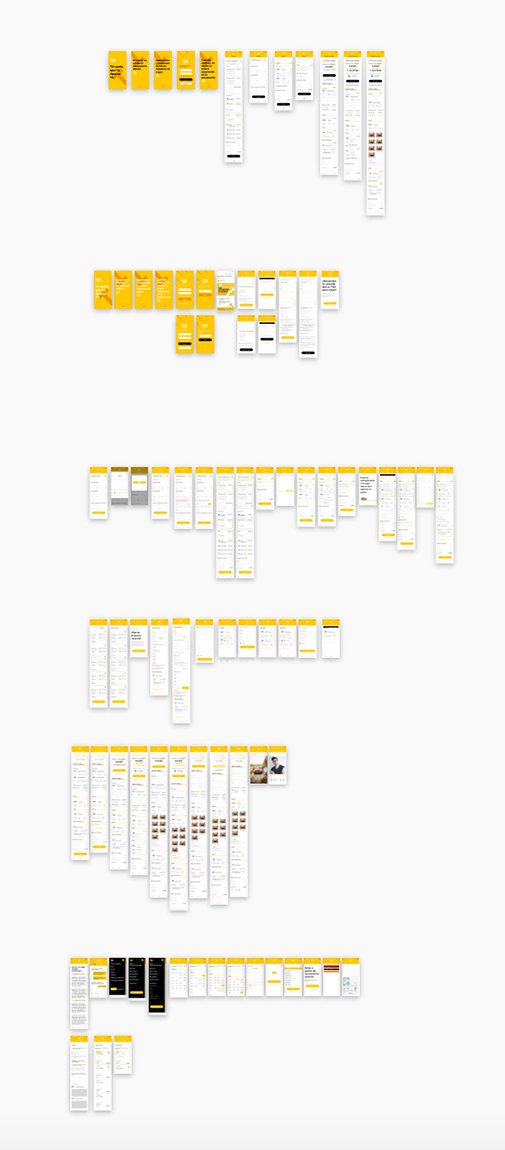
The customer app covers the full parking journey — from onboarding and booking through payment, reservation management, and loyalty features. The atomic design approach ensured every screen was built from reusable components, keeping the UI consistent across 40+ screens.

Yay! customer app — complete screen flow
Customer app — complete flow across all states: onboarding, booking, payment, and account management

Valet app — full flow

Orange for valets.
Built for fast, on-the-move use.

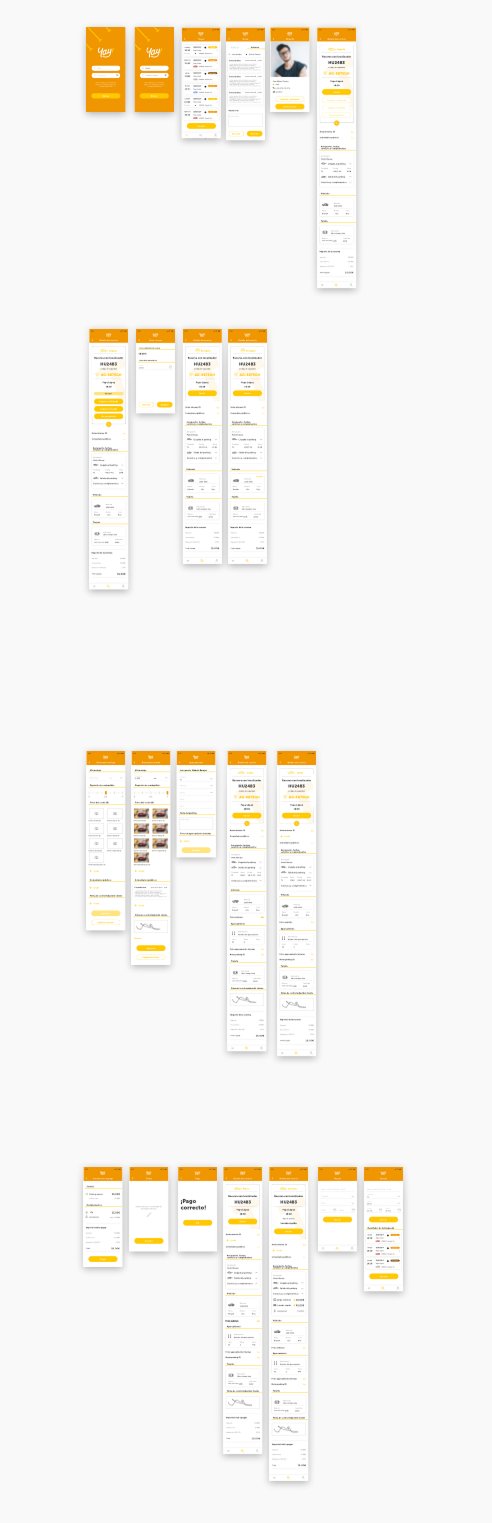
The valet app uses orange as its identity colour and is designed for operational speed — agents need to access information and take actions quickly. The same underlying design system ensures consistency with the customer app while adapting the UX for a completely different context of use.

Yay! valet app — complete screen flow
Valet app — full operational flow in orange, sharing the same design system as the customer app

Web version

Mobile-first. Web-ready. Web-ready.

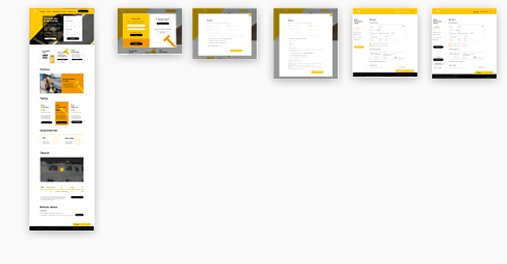
In addition to both native apps, the project included web and responsive versions — delivered in a separate Sketch file with full handoff via Zeplin.

Yay! web screens — responsive version
Web version — responsive design adapting the Yay! experience across screen sizes

Key learnings

What this project taught me
about design decisions.

01

Accessibility over aesthetics — always

A colour that looks right isn't necessarily a colour that works. Running accessibility checks early avoids costly decisions downstream.

02

Navigation structure shapes visual design

Organising screens based on user flows first produces a more coherent and intuitive experience. Structure is design — and it shows in the experience.

03

A design system is a handoff tool

The Style Guide wasn't just for this project — it was built for the next designer. Methodically arranged components make future implementation faster.

04

Iterative decisions produce better outcomes

Being open to reassessing early choices — based on evidence — leads to a more refined and defensible result.

AENA
About the client

Aeropuertos Españoles y Navegación Aérea

AENA is Spain's public business entity responsible for the management and operation of airports and air navigation services across the country. It oversees numerous airports ranging from major international hubs to regional facilities, and plays a significant role in promoting tourism and air connectivity in Spain.

More case studies

← Back to all work